Overview
Most AI coding tools work in a single conversation: you describe what you want, the model writes code, and you hope for the best. On anything non-trivial, this falls apart. The model hallucinates APIs, skips tests, makes destructive changes to your repo, and produces code that compiles but fails in production. No structure, no verification, nothing stopping it from running rm -rf on your working directory.
devline is a Claude Code plugin that replaces this with a multi-agent pipeline. Instead of one conversation doing everything, specialized agents handle each stage, from brainstorming through implementation to review. Security hooks enforce branch protection, block destructive commands, and catch credential leaks before they hit disk, so you can let the agents run without babysitting them.
I built it because I wanted to hand off well-defined work to AI without constantly checking whether it broke something. Not vibe-coding, but spec-driven planning, strict TDD, and a review loop that catches problems before they reach your branch.
How the pipeline works
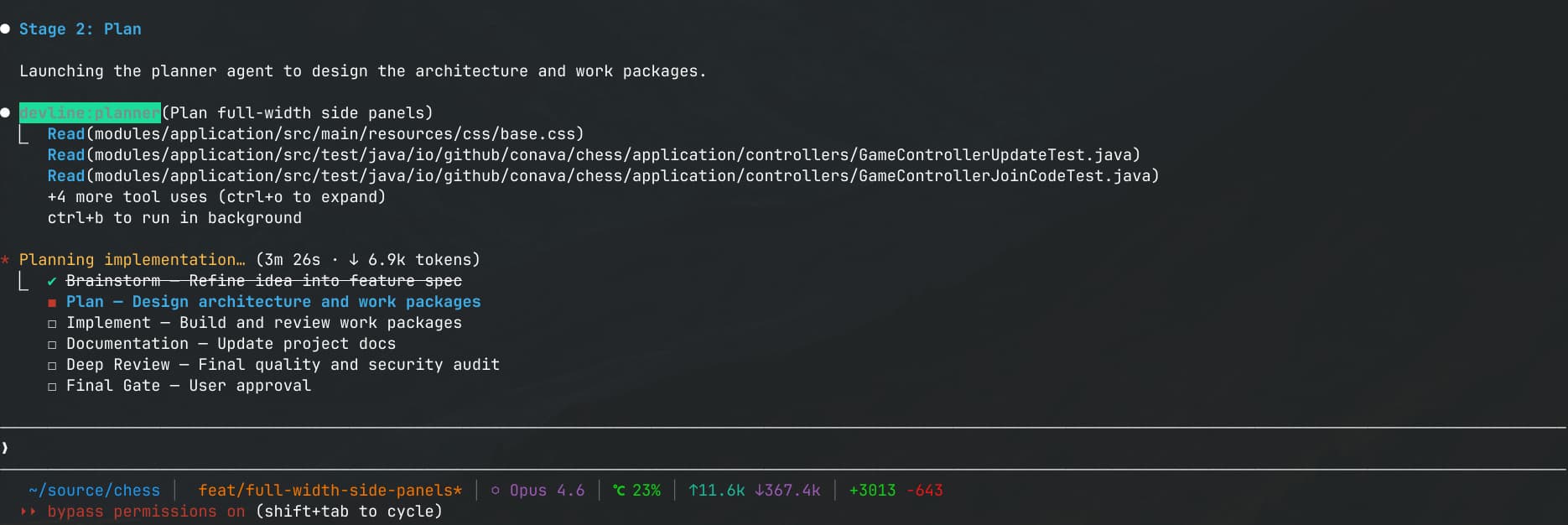
The first two stages are interactive — you stay in the loop. Everything after that runs autonomously.
Brainstorm — You describe a feature in plain language. The brainstormer asks a few targeted questions about scope and edge cases, then produces a short spec.
Plan — A planner designs the architecture TDD-first, looks up library docs in real time via Context7, splits work into parallel packages with file-level isolation, and writes the plan to disk. It questions its own approach and suggests alternatives before you approve.
Implement — One agent per work package, running in parallel. Each follows strict TDD: write failing tests, implement until green, refactor. No production code exists without a test behind it.
Review — Each work package gets reviewed for correctness, security, and performance. If review fails, the implementer gets a second attempt. If that fails too, a debugger agent does root cause analysis before escalating to you.
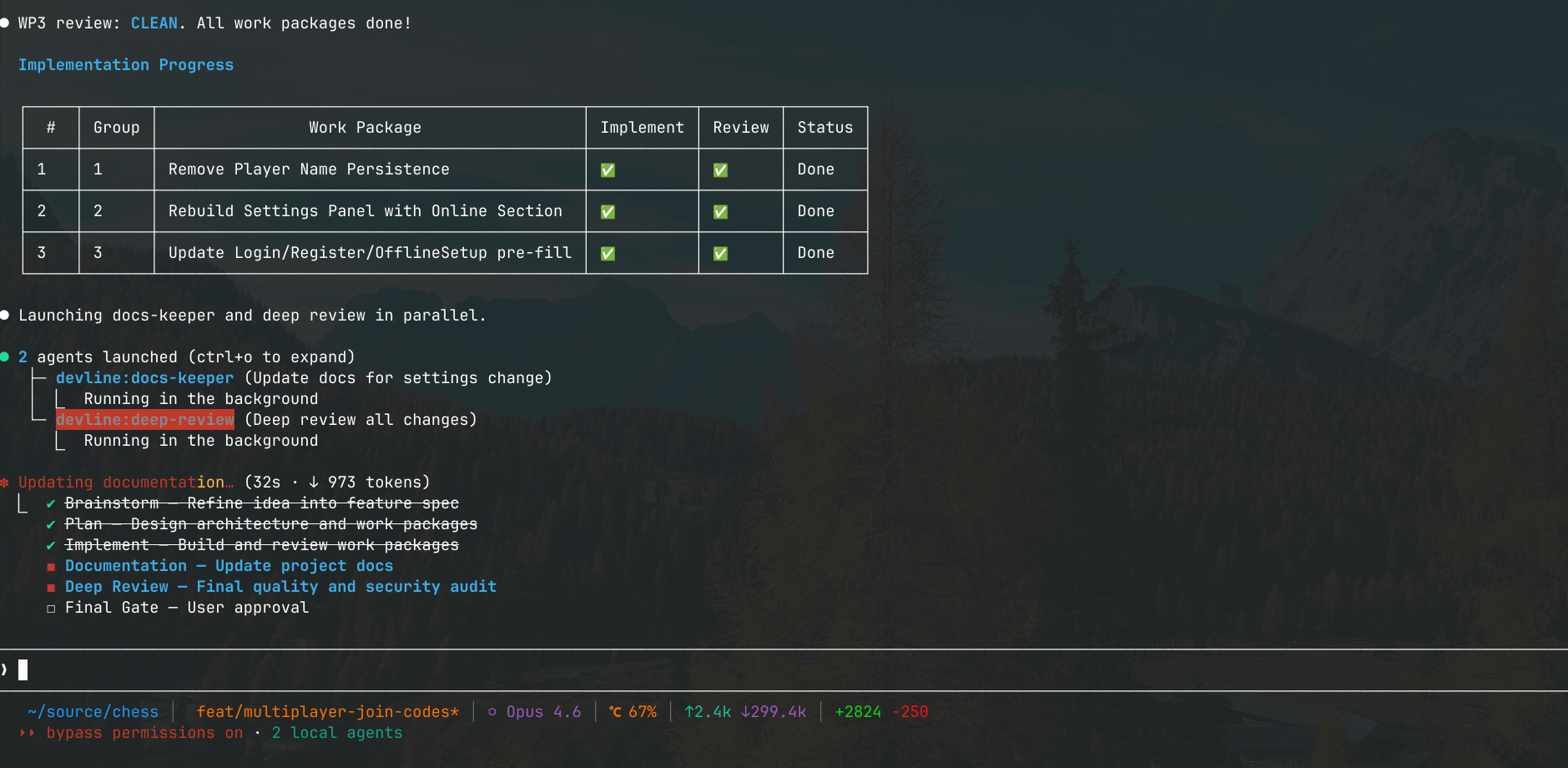
Docs — A docs-keeper agent figures out which files need updating based on what changed, and updates them.
Deep review — The final gate before merge: security audit, credential scanning, code quality, tech debt, and verification that every acceptance criterion from the plan was met. Failures go back to the implementer; architectural issues escalate to the planner.
You decide — Approve, request changes that re-enter the pipeline, or let devline commit and merge.
Agent architecture
devline runs 10 specialized agents, each assigned a model tier (Opus for reasoning-heavy work, Sonnet for throughput) and preloaded with domain-specific skills:
| Agent | Model | Role |
|---|---|---|
| Planner | Opus | Architecture design, TDD planning, interactive Q&A |
| Implementer | Sonnet | Parallel TDD implementation per work package |
| DevOps | Sonnet | Infrastructure, CI/CD, Docker, build systems |
| Reviewer | Sonnet | Correctness, security, performance review |
| Debugger | Opus | Scientific method root cause analysis |
| Deep Review | Opus | Final merge gate audit |
| Frontend Reviewer | Sonnet | Auto-triggered accessibility and UI quality checks |
| Docs-keeper | Inherited | Documentation maintenance |
| Dependency Patcher | Sonnet | CVE patching across repositories |
| Dependency Migrator | Opus | Breaking-change migrations with code refactoring |
Agents are only invoked through the pipeline orchestrator or an explicit command. Domain knowledge comes from composable skill modules — TDD methodology, frontend patterns, cloud infrastructure, debugging heuristics — so each agent carries only the context it actually needs.
Security hooks
devline is designed for Claude Code's bypass permissions mode, where agents run with full autonomy and no approval prompts. The hooks are the only thing between the agents and your codebase:
- ▸Writes to protected branches (main, master, develop, release, production, staging) are blocked. Agents have to create a feature branch first.
- ▸Destructive commands —
rm -rfoutside the working directory, force pushes, hard resets, database drops, package publishing — are hard-blocked. - ▸Hardcoded API keys, private keys, AWS credentials, GitHub tokens, and secrets in
.envfiles get caught before they're written to disk. - ▸Working files in
.devline/can't be staged or committed. - ▸Conventional commit format is enforced by default, configurable per project.
- ▸HTTP mutations to non-localhost, SSH access, and service control commands either need confirmation or are blocked outright.
Real-world use
I've used devline heavily on my chess project, a multi-module Java platform I originally built in my third semester. With devline I migrated the entire UI from Java Swing to JavaFX, built an animated cinematic main menu, and overhauled the server from a proof-of-concept into a production system with authentication, game persistence, and concurrent session management. The pipeline handled planning, parallel TDD, and review cycles for all of it.
devline is also my test of whether structured AI workflows can work in a professional team setting. I built it with the goal of bringing this approach to my team at OTTO.
Installation
Install via the Claude Code plugin system:
claude plugin add devline
Or from a local directory during development:
claude plugin add /path/to/devline
Type /devline in any conversation to verify it's working.